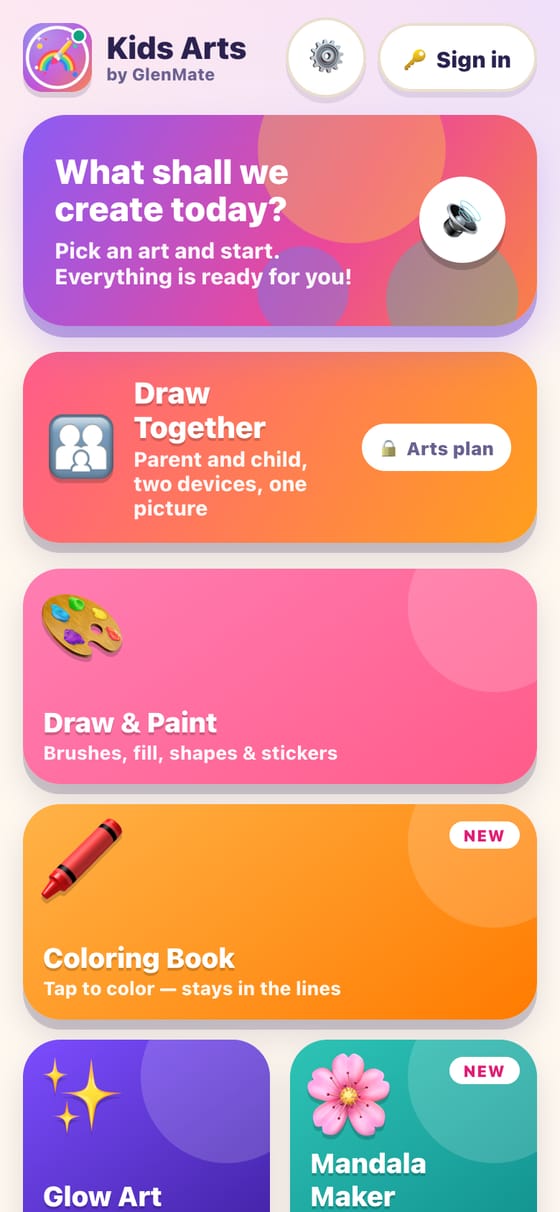
Open the app and start. All 10 activities are free, with no account and no ads.
02
Save what you make
Save any picture to your device. Sounds, read-aloud and a calm mode make it comfortable for every child.
03
Add a parent with an Arts plan
Draw one picture together from two devices, and send finished pictures to a parent by email.
Free in the app
10 art activities, all free
Eight brushes (crayon, watercolor, rainbow, glitter, neon and more), a fill bucket, 140 stickers, shapes, mirror drawing and undo — in every activity that needs them.
🎨
Draw & Paint
Brushes, fill, shapes and stickers
🖍️
Coloring Book
90+ pictures, letters and numbers — tap to color inside the lines
✨
Glow Art
Neon, glitter and rainbow light
🌸
Mandala Maker
Draw once, see it mirrored everywhere
✏️
Draw With Me
Learn to draw step by step
🌈
Sticker Scenes
Build a scene with stickers
🔷
Pattern Maker
One tap fills the page with a pattern
👾
Pixel Art
Make tiny square pictures
🔢
Dot to Dot
Connect 1, 2, 3… to reveal a picture
💨
Splash & Blow
Drop paint, then blow it into branches
Arts plan
Draw Together
One picture, two devices, two logins
A parent and child (or two siblings) each sign in on their own device and create one picture at the same time. One Arts plan covers both logins.
1️⃣
Start a picture
Pick an activity and get a 4-letter code.
2️⃣
Share the code
Send it to your family member, who types it on their device.
3️⃣
Draw at the same time
See each other draw live, send reactions and save the finished picture.
Family only: the server checks that both people belong to the same family.
No messages or typing — just reactions.
Light on data: about 5 KB for 10 seconds of drawing.
Get the app
Arts are in the app — not on the web
GlenMate Kids Arts is a mobile app for iPhone, iPad and Android; there is no web version. A parent can subscribe on the web with secure Stripe checkout to unlock Draw Together and Send to Parent.